
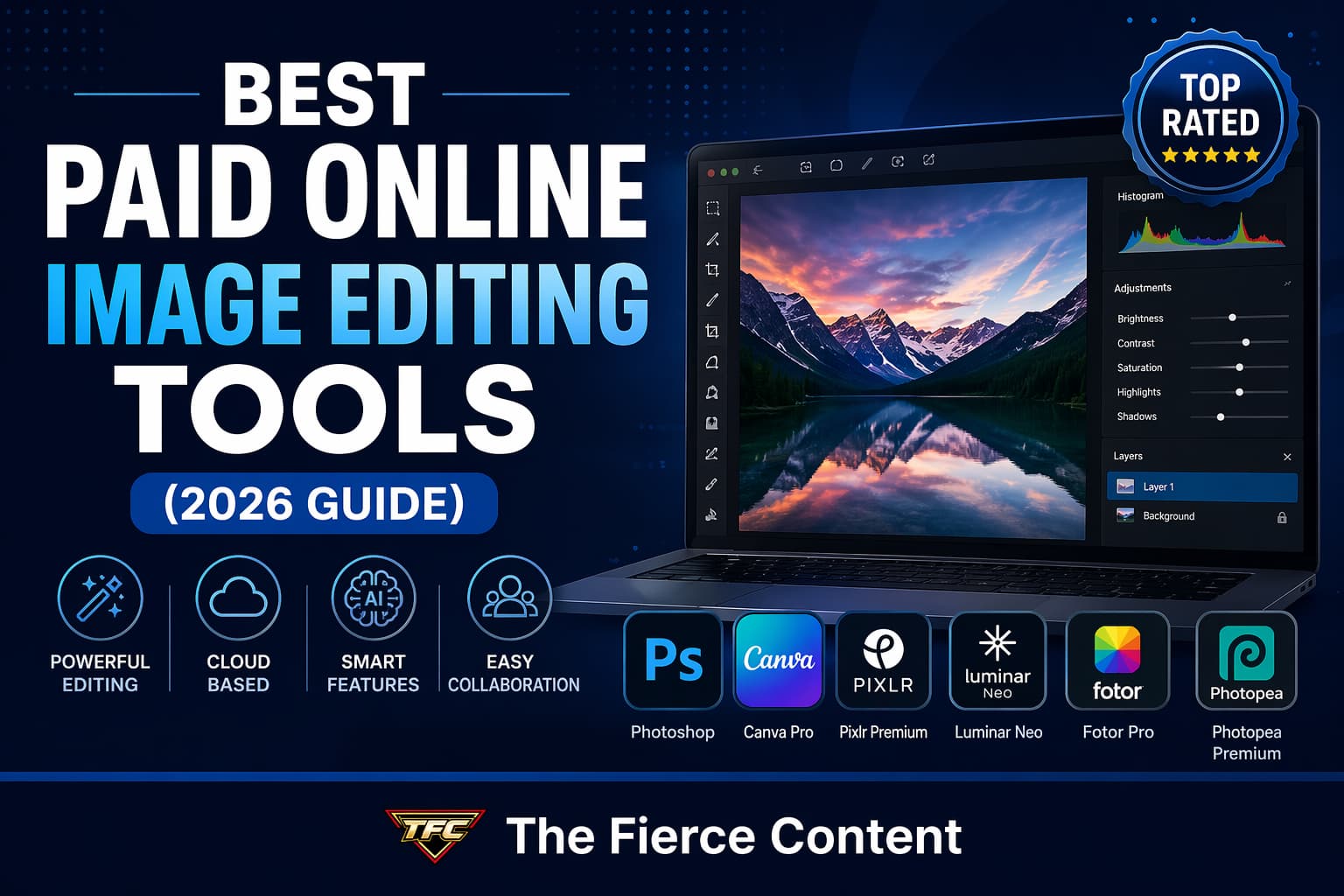
If you’ve ever tried to create professional-looking visuals for your blog, social media, or business, you already know this truth: great images don’t happen by accident. They’re crafted and increasingly, they’re crafted using powerful online image editing tools.
The good news? You no longer need bulky desktop software or a high-end computer to produce stunning visuals.
Today’s paid online image editors are faster, smarter and more accessible than ever. Many now include AI-powered features, real-time collaboration and browser-based workflows that rival traditional software.
But here’s the challenge: there are dozens of tools out there, and not all of them are worth your money.
In this blog post, you’ll discover the best paid tools for editing images online, what makes each one unique, and how to choose the right one for your workflow, whether you’re a beginner blogger or scaling an affiliate marketing business.
Why Paid Online Image Editors Are Worth It
Let’s address the obvious question first: Why pay when there are free tools?
Because paid tools don’t just remove limitations, they unlock serious creative power.
Free tools are great for quick edits.
But once you start creating content consistently (especially for blogs or affiliate marketing), you’ll quickly hit walls like export limits, watermarks, missing features, or slow performance.
Paid tools solve those problems.
First, they offer advanced editing capabilities.
Think layers, masks, RAW processing and precision controls that allow you to edit images at a professional level.
Tools like Adobe Photoshop dominate here because they give you complete creative control over every pixel.
Second, there’s AI-powered efficiency.
Modern tools can remove backgrounds, enhance photos, fix lighting, and even generate new elements automatically.
This saves hours of manual work and makes high-quality editing accessible—even if you’re not a designer.
Third, you get better export quality and flexibility.
Paid plans allow you to export images in high resolution, with transparent backgrounds, optimized compression and multiple formats—essential for SEO and website performance.
Finally, paid tools are built for consistency and scalability. If you’re running a blog or affiliate site, you need repeatable workflows.
Paid tools offer templates, brand kits, batch processing and integrations that make content production faster and more efficient.
In short: if your images matter to your business, paid tools aren’t an expense they’re an investment.
What to Look for in a Paid Online Image Editing Tool
Before we dive into the best tools, it’s important to understand how to evaluate them.
Not every tool is built for the same purpose.
The first thing to consider is ease of use vs. power.
Some tools are beginner-friendly with drag-and-drop interfaces, while others offer deep control but require a learning curve.
If you’re just starting, tools like Canva are ideal.
If you want full control, something like Photoshop or advanced AI editors may be better.
Next, think about AI features. In 2026, AI isn’t optional, it’s essential.
The best tools include features like background removal, object replacement, automatic enhancement and generative editing.
These features dramatically reduce the time it takes to create polished visuals.
You should also evaluate file support and compatibility.
If you work with PSD files, RAW images, or layered designs, make sure your tool supports them.
Some browser-based tools like Photopea excel here by supporting professional file formats directly in your browser.
Another critical factor is performance and speed.
Since these tools run online, you want something that loads quickly, handles large files smoothly and doesn’t lag during editing.
Finally, consider pricing and value. The most expensive tool isn’t always the best. Look at what you’re actually getting, features, storage, templates, AI credits and decide whether it aligns with your workflow.
Choosing the right tool isn’t about picking the “best” one it’s about picking the one that fits your specific needs.
- Adobe Photoshop (Online & Cloud Version)
Let’s start with the industry giant: Adobe Photoshop.
Even in 2026, Photoshop remains the gold standard for image editing and for good reason. It offers unmatched precision, flexibility and depth.
The online/cloud-based version of Photoshop has made it more accessible than ever.
You can now edit images directly in your browser while still benefiting from Adobe’s powerful ecosystem.
One of the biggest advantages of Photoshop is its layer-based editing system.
This allows you to work non-destructively, meaning you can make changes without permanently altering your original image.
For bloggers and marketers, this is incredibly useful when creating reusable templates.
Photoshop also leads the way in AI-powered editing.
Features like generative fill, object selection and automatic retouching allow you to make complex edits in seconds.
Recent updates even introduce conversational AI workflows, making editing more intuitive.
Another major strength is integration. Photoshop works seamlessly with tools like Lightroom, Illustrator and Adobe Stock, making it ideal for professionals managing multiple creative assets.
However, it’s not without downsides. Photoshop has a steep learning curve, and its subscription cost can be high for beginners. But if you’re serious about image editing, especially for high-quality blog content or affiliate marketing, it’s one of the best investments you can make.
2.Canva Pro
If Photoshop feels overwhelming, Canva Pro is your best friend.
Canva has completely transformed the way people create visuals.
It’s not just an image editor, it’s a full design platform built for speed, simplicity and scalability.
The biggest strength of Canva Pro is its ease of use.
You don’t need design experience to create stunning images.
The drag-and-drop interface, combined with thousands of templates, makes it incredibly beginner-friendly.
But don’t mistake simplicity for lack of power.
Canva Pro includes advanced features like background removal, Magic Resize, brand kits, and AI-powered tools like Magic Edit.
These features allow you to create professional, quality visuals in minutes.
One standout feature is its template library.
With millions of templates for blog graphics, Pinterest pins, social media posts and ads, Canva makes it easy to maintain consistent branding across all your content.
It’s also ideal for collaboration. Teams can work on designs together in real time, making it perfect for businesses and content creators working with editors or designers.
The main limitation?
Canva doesn’t offer the same level of control as Photoshop. It’s built for speed, not deep customization.
Still, for bloggers, affiliate marketers and beginners, Canva Pro is one of the most practical and time-saving tools available.
3.Pixlr Premium
Pixlr is often described as a “lightweight Photoshop,” and that’s exactly what makes it so appealing.
Pixlr offers two editors:
Pixlr X (beginner-friendly)
and Pixlr E (advanced).
The premium version unlocks more features, removes ads, and gives you access to powerful AI tools.
One of Pixlr’s biggest strengths is its balance between simplicity and functionality.
It provides layer-based editing, filters and effects without overwhelming users with complexity.
The tool also includes AI-powered features like background removal, one-click enhancements and generative tools.
These features make it easy to create polished visuals quickly, especially for social media and blog content.
Another advantage is speed.
Pixlr runs smoothly in the browser and is optimized for quick edits, making it ideal for creators who need to produce content consistently.
However, it’s not as powerful as Photoshop when it comes to advanced editing.
It’s best suited for users who want more control than Canva but don’t need full professional-grade tools.
If you’re looking for an affordable, efficient and easy-to-use editor, Pixlr Premium is a strong contender.
4. Luminar Neo
For those who want cutting-edge AI features, Luminar Neo is a standout choice.
Luminar Neo is built around AI-driven editing, making it one of the most innovative tools on the market.
Instead of manually adjusting every detail, you can use AI to enhance photos automatically.
Features like sky replacement, portrait enhancement and lighting adjustments are handled with just a few clicks.
This makes Luminar Neo especially useful for photographers and content creators who want high-quality results without spending hours editing.
One of its biggest strengths is automation.
You can transform an image dramatically with minimal effort, which is perfect for beginners or busy creators.
Despite its advanced capabilities, Luminar Neo is surprisingly user-friendly. The interface is clean, intuitive, and designed to guide you through the editing process.
However, it may not offer the same level of manual control as Photoshop. It’s more about speed and efficiency than deep customization.
If your workflow prioritizes fast, high-quality results powered by AI, Luminar Neo is one of the best tools you can invest in.
5. Fotor Pro
Fotor is often overlooked, but it shouldn’t be.
Fotor Pro is designed for users who want quick, high-quality edits without complexity.
It’s particularly strong in AI-powered enhancements, making it ideal for beginners and content creators.
One of its standout features is one-click photo enhancement. With a single click, Fotor can adjust brightness, contrast, sharpness and color balance automatically.
This is incredibly useful when you need fast results.
It also offers batch processing, allowing you to edit multiple images at once, perfect for bloggers managing large volumes of content.
Fotor includes tools for portrait retouching, HDR effect, and background removal, making it a versatile option for different types of editing.
While it doesn’t have the depth of Photoshop or the design capabilities of Canva, it excels in speed and simplicity.
If you want a tool that helps you edit images quickly and efficiently, without a steep learning curve, Fotor Pro is a great choice.
6. Photopea Premium
Finally, we have Photopea, a powerful browser-based editor that feels surprisingly close to Photoshop.
Photopea is unique because it offers professional-grade features directly in your browser. It supports PSD, RAW and other advanced file formats, making it a strong alternative to desktop software.
The premium version removes ads and improves performance, making the experience smoother and more efficient.
One of its biggest advantages is familiarity.
If you’ve used Photoshop before, you’ll feel right at home with Photopea’s interface and tools.
It includes layers, masks, blending modes and advanced selection tools, everything you need for detailed editing.
However, since it runs in the browser, performance can vary depending on your device and internet connection.
Still, for users who want Photoshop-like functionality without the subscription cost, Photopea Premium is an excellent option.
Conclusion:
Which Tool Should You Choose?
Here’s the truth: there is no single “best” tool for everyone.
The right choice depends on your goals:
Choose Photoshop if you want full control and professional-grade editing
Choose Canva Pro if you value speed, templates, and ease of use Choose Pixlr Premium for a balance between simplicity and functionality
Choose Luminar Neo for powerful AI-driven editing
Choose Fotor Pro for quick, automated enhancements
Choose Photopea Premium for a budget-friendly Photoshop alternative
In 2026, image editing is no longer just about tools—it’s about workflow.
The best tool is the one that helps you create high-quality visuals consistently, efficiently and at scale.