
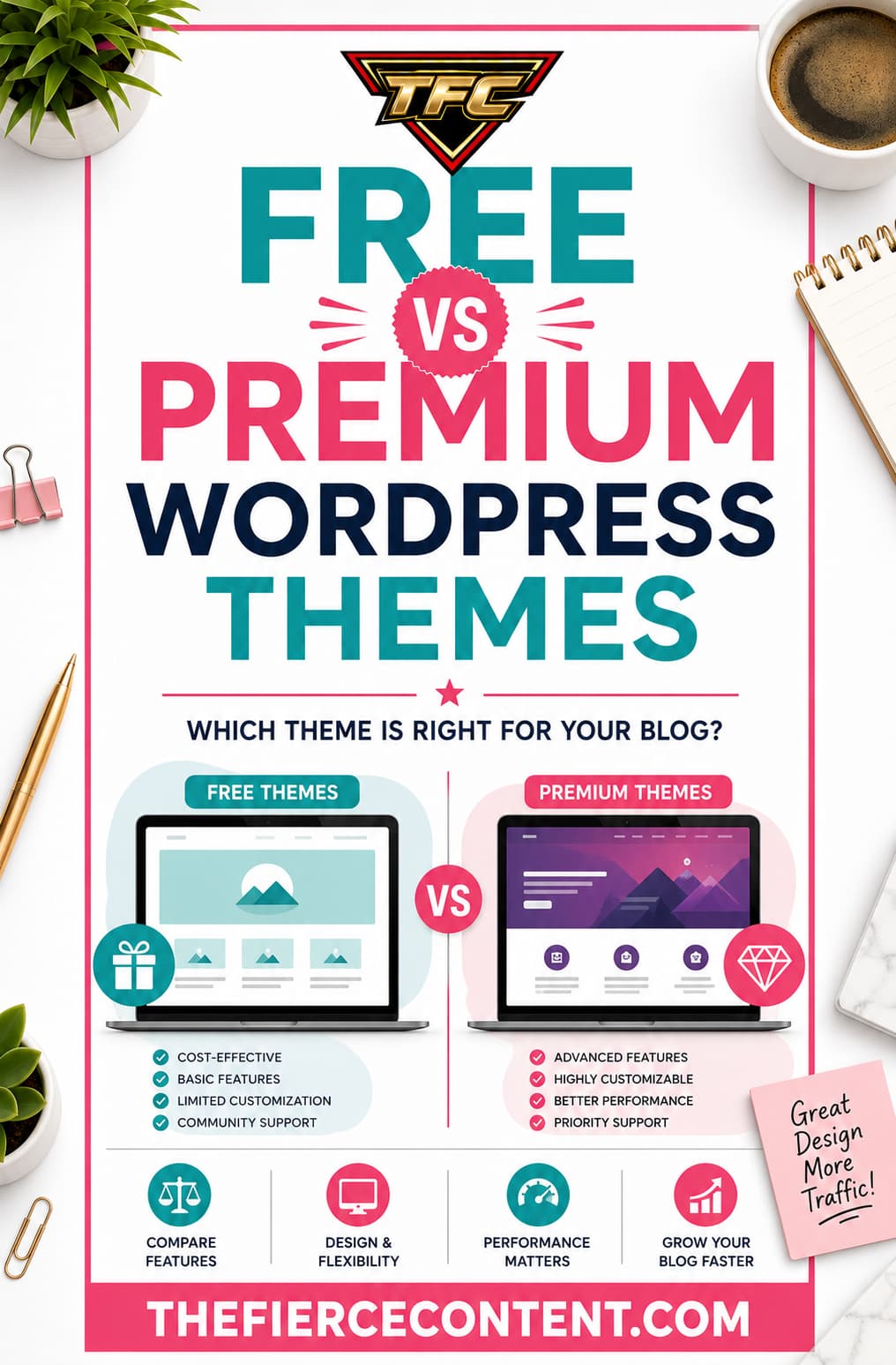
Choosing a WordPress theme is one of the first major decisions every website owner makes and it can feel surprisingly stressful.
Should you save money and use a free theme?
Or should you invest in a premium WordPress theme right away?
The truth is, both options can work.
Some free WordPress themes are excellent. In fact, modern free themes like Astra, Kadence, GeneratePress, and Blocksy are far better than many paid themes from a few years ago.
At the same time, premium themes often provide advanced customization, professional support, additional templates, and built-in features that can save enormous amounts of time.
The problem is that beginners often choose themes for the wrong reasons.
Some people assume “premium” automatically means better.
Others assume paying for a theme is a waste of money.
Neither assumption is true.
In reality, the best choice depends on:
Your goals
Your budget
Your technical skill level
The type of website you’re building
How much customization you need
Whether you value support and convenience
This guide will help you understand:
The real difference between free and premium WordPress themes
The advantages and disadvantages of both
When free themes are enough
When premium themes are worth paying for
Common mistakes beginners make
How to decide which option is best for your website
By the end, you’ll know exactly which direction makes the most sense for your situation.
What Is a WordPress Theme? Before comparing free vs premium themes, it’s important to understand what a WordPress theme actually does.
A WordPress theme controls:
Your website’s design
Layout structure
Typography
Colors
Header and footer appearance
Blog post layouts
Mobile responsiveness
Navigation styling
Overall user experience
Your theme is essentially the visual foundation of your website.
It affects:
SEO
Website speed
User experience
Branding
Conversions
Readability
Mobile usability
This is why choosing the right theme matters so much.
A good theme can make your website:
Faster
Easier to manage
More professional
More customizable
Easier to scale later
A bad theme can create endless frustrations: Slow loading times Poor mobile design
Plugin conflicts
Limited customization
Security issues
Frequent bugs
That’s why the free vs premium debate matters.
You’re not just choosing a design.
You’re choosing the long-term foundation of your website.
What Are Free WordPress Themes?
Understanding Free Themes
Free WordPress themes are themes you can download and use without paying.
Most beginners find them inside the official WordPress theme repository.
One major advantage of repository themes is that they undergo code review before approval, helping improve baseline quality and security standards.
Popular free themes include:
Astra
Kadence
GeneratePress
Neve
Blocksy
OceanWP
Modern free themes have improved dramatically over the years.
Today, many free themes are:
Lightweight
Mobile responsive
SEO-friendly
Compatible with page builders
Fast-loading
Beginner-friendly
This is why many successful websites still use free themes.
Free does not automatically mean low quality.
However, free themes usually come with limitations.
Advantages of Free WordPress Themes
1.They Cost Nothing
The biggest advantage is obvious.
They’re free.
For beginners with limited budgets, this matters a lot.
Starting a website already involves:
Hosting costs
Domain registration
Plugins
Email marketing tools
Content creation tools
Using a free theme allows beginners to reduce upfront costs drastically.
This makes free themes especially attractive for:
New bloggers
Hobby websites
Students
Test projects
Small personal websites
Many beginners prefer using free themes initially while learning WordPress.
That’s completely reasonable.
According to several WordPress guides, free themes are ideal for beginners experimenting with WordPress for the first time because they remove financial pressure while learning the platform.
2. Free Themes Have Improved Tremendously
Years ago, many free themes were poorly coded and outdated.
That’s no longer true.
Modern free themes like Astra, GeneratePress, and Kadence are:
Fast
Stable
Professionally designed
Frequently updated
Some free themes now outperform older premium themes in terms of speed and clean code.
Many WordPress users on Reddit repeatedly mention that lightweight, performance- focused themes are often better than bloated premium “multipurpose” themes overloaded with unnecessary features.
In 2026, performance matters more than flashy features.
Google rewards:
Faster websites
Better Core Web Vitals
Mobile optimization
Clean user experience
Modern lightweight free themes support these goals very well.
3. Great for Learning WordPress
Beginners often change their minds about:
Website design
Branding
Layout preferences
Blogging style
Monetization strategy
Using a free theme lets you experiment without worrying about wasting money.
This flexibility is valuable early on.
You can:
Test layouts Learn customization basics Understand plugins
Explore Gutenberg or Elementor
Learn website structure before committing financially.
For many beginners, this learning phase is extremely important.
4. Simpler Themes Can Improve Performance
Many free themes intentionally keep features minimal.
This often improves:
Speed
Stability
Simplicity
Ease of maintenance
Less code usually means: Fewer HTTP requests
Smaller page sizes
Faster loading times
Several performance-focused
WordPress discussions emphasize that lightweight themes often outperform heavily feature-packed premium themes.
This is one reason minimalist themes remain popular among SEO professionals and bloggers.
Disadvantages of Free WordPress Themes
1.Limited Customization Options
Most free themes intentionally restrict advanced customization.
You may have limited access to:
Header builders
Advanced typography
Custom layouts
WooCommerce styling
Advanced blog controls
Dynamic templates
Theme developers do this to encourage premium upgrades.
This is called the “freemium” model.
Reddit discussions frequently criticize themes that advertise themselves as free while locking major functionality behind paid upgrades.
For beginners, this can become frustrating later.
2. Limited Support
Free themes usually offer limited support.
You may rely on:
Documentation
Community forums
YouTube tutorials
Premium customers often receive:
Faster responses
Dedicated ticket systems
Direct developer assistance
When beginners encounter:
Layout bugs
Plugin conflicts
Mobile display problems
Lack of support can become stressful.
Support is one of the biggest reasons many website owners eventually upgrade to premium themes.
3. Fewer Starter Templates
Premium themes often include:
Dozens or hundreds of pre-made websites
One-click demo imports
Niche-specific templates
Free themes usually offer fewer templates.
This means beginners may spend more time:
Designing pages
Adjusting layouts
Learning customization
Premium templates can dramatically reduce setup time.
4. Some Free Themes Are Poorly Maintained
Not all free themes are reliable.
Some problems include:
Infrequent updates
Poor coding
Compatibility issues
Security concerns
Community discussions regularly warn users to avoid abandoned themes or poorly maintained products.
Always check:
Last update date
Reviews
Active installations
Support activity before installing any theme.
What Are Premium WordPress Themes?
Understanding Premium Themes
Premium themes are paid WordPress themes sold by:
Theme developers
Theme marketplaces
Independent companies
Prices typically range between: $49–$199 per year depending on features and licensing.
Premium themes often include:
Advanced customization
Premium support
More templates
Additional integrations
WooCommerce features
Header/footer builders
Design systems
Examples include:
Astra Pro
Kadence Pro
GeneratePress Premium
Divi
Avada
Flatsome
Advantages of Premium WordPress Themes
1.More Design Flexibility
This is the biggest advantage.
Premium themes usually provide:
More layouts
More typography controls
Advanced headers
Dynamic content features
Advanced blog layouts
Better WooCommerce styling
This makes it easier to create:
Unique websites
Professional branding
Advanced designs without coding.
Many premium themes also include sophisticated design systems that simplify customization for beginners.
2. Better Support
Support is often the most underrated reason to buy a premium theme.
When something breaks, beginners often panic.
Premium support can save:
Hours of frustration Technical headaches
Troubleshooting time
Good premium theme companies provide:
Documentation
Ticket support
Video tutorials
Community groups
This support can be extremely valuable for non-technical users.
3. Faster Website Setup
Premium themes often include: One-click starter sites
Demo imports
Professionally designed layouts
This dramatically speeds up website creation.
Instead of designing from scratch, beginners can:
Import a website
Replace content
Customize branding
Launch faster For business owners, time savings alone can justify the cost.
4. Better WooCommerce Features
If you plan to build an online store, premium themes become far more useful.
Premium ecommerce features may include:
Product filters
Advanced product grids
Cart customization
Checkout styling
Sales banners
Upsell sections
This improves:
User experience
Conversion rates
Professional appearance
Free themes often provide only basic WooCommerce styling.
Disadvantages of Premium WordPress Themes
1.Cost
This is the obvious downside.
Premium themes require payment.
And sometimes:
Annual renewals
Additional licenses
Paid add-ons For beginners on tight budgets, this can feel expensive.
2. Some Premium Themes Are Bloated
More features do not always mean better.
Many premium themes overload websites with:
Excessive animations
Heavy scripts Built-in page builders
Unnecessary modules
This can slow websites dramatically.
Reddit users frequently complain about bloated premium themes that prioritize feature lists over performance and maintainability.
This is why lightweight premium themes usually outperform massive “all-in-one” themes.
3. Learning Curve
Premium themes often include:
More settings
More controls
More features While powerful, this can overwhelm beginners.
Sometimes simplicity is actually better.
When Should You Choose a Free Theme?
A free theme is usually enough if: You’re starting your first blog
You’re learning WordPress
Your budget is limited
You want a simple website
You value speed and simplicity
You don’t need advanced customization
Many bloggers successfully use free themes for years.
Modern free themes are far more capable than many people realize.
When Should You Choose a Premium Theme?
A premium theme makes sense if:
You’re building a business website
You need advanced customization
You want professional support
You need WooCommerce features
You value faster setup
You want many starter templates
You’re creating client websites For businesses, premium themes often save enough time to justify the cost.
The Biggest Mistake Beginners Make
The biggest mistake is assuming: “Premium automatically means better.”
It doesn’t.
Some premium themes are poorly coded.
Some free themes are excellent.
Always evaluate:
Speed
Updates
Reviews
Support quality
Reputation
Simplicity
Long-term maintenance instead of price alone.
Key Takeaways:
Free vs Premium WordPress Themes So, which should you choose?
Choose a Free Theme If: You’re a beginner
You want to learn WordPress
You have a limited budget
You want simplicity
You don’t need advanced features
Choose a Premium Theme If: You’re building a serious business website You need advanced customization
You want dedicated support
You value convenience and faster setup
You need ecommerce functionality For most beginners in 2026, the smartest approach is this:
Start with a high-quality free theme like Astra, Kadence, GeneratePress, or Blocksy.
Then upgrade later only if you genuinely need premium features.
This approach saves money, reduces overwhelm, and allows you to focus on what actually grows websites:
Publishing content
Learning SEO
Building traffic
Improving user experience
Because ultimately, a fast, well-maintained free theme with excellent content will outperform an expensive premium theme attached to a neglected website