
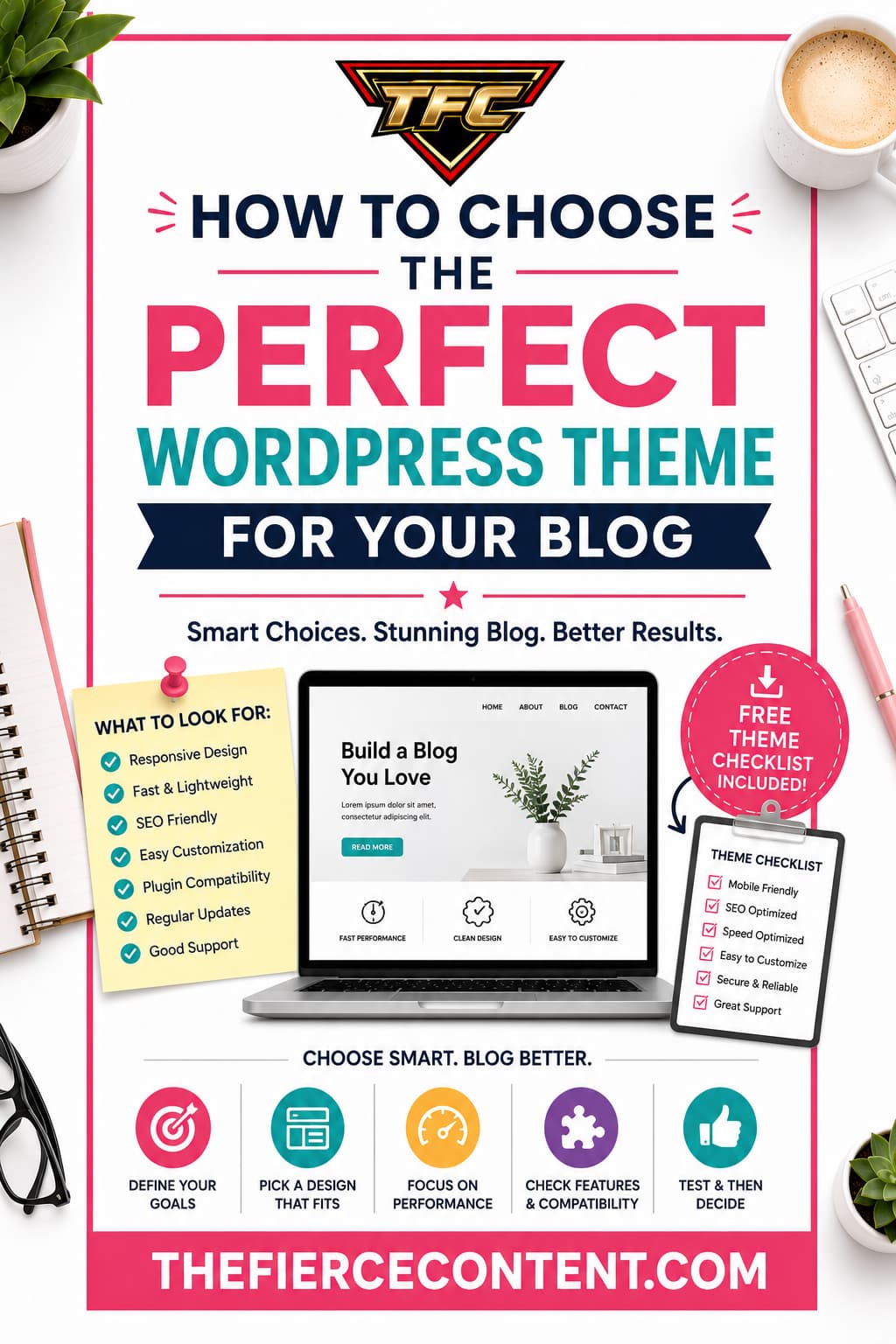
Choosing a WordPress theme sounds simple until you actually start looking.
Suddenly, you’re staring at thousands of themes:
Free themes
Premium themes
Multipurpose themes
Blogging themes
Minimalist themes
Magazine themes
Ecommerce themes
“Fastest” themes
“SEO-friendly” themes
Every theme claims to be:
The best
The fastest
The easiest
The most customizable
And for beginners, it quickly becomes overwhelming.
Many new bloggers spend days, sometimes weeks comparing themes instead of actually building their websites and publishing content.
The truth is this:
There is no single “perfect” WordPress theme.
There is only the right theme for your goals, your content style, your skill level, and your long-term vision.
The good news is that choosing the right theme becomes much easier once you understand what actually matters.
Because most successful blogs don’t succeed because of a fancy design.
They succeed because they:
Load quickly
Are easy to navigate
Look professional
Work well on mobile devices
Create a good reading experience
Support SEO and content growth
In fact, many experienced bloggers intentionally use simple, lightweight themes because they prioritize speed, readability and user experience over flashy design.
Clean, fast themes often outperform overly complicated designs.
In this guide, you’ll learn:
What a WordPress theme actually does
What beginners should prioritize
The biggest mistakes to avoid
How to choose a theme based on your blogging goals
Which features actually matter
Free vs premium considerations
The best beginner-friendly theme types in 2026
By the end, you’ll know exactly how to choose a WordPress theme confidently without getting stuck in endless comparisons.
What Is a WordPress Theme?
Before choosing a theme, it’s important to understand what a WordPress theme actually controls.
A WordPress theme determines:
Your website’s overall design
Layout structure
Typography
Navigation menus
Header and footer appearance
Blog page layouts
Mobile responsiveness
Sidebar placement
Visual styling
Your theme affects both:
User experience
Website performance
And that matters more than many beginners realize.
A good theme can help your blog:
Load faster
Rank better in search engines
Improve readability
Increase engagement
Reduce bounce rates
Feel more professional
A bad theme can create:
Slow loading speeds
Poor mobile experiences
Plugin conflicts
SEO problems
Frustrating customization issues
This is why choosing the right theme matters.
Your theme becomes the foundation of your entire blog.
Why Choosing the Right Theme Matters for Blogging
Your Theme Affects User Experience
People judge websites incredibly quickly.
Visitors decide within seconds whether your blog feels:
Trustworthy
Professional
Easy to use
Worth reading
A cluttered, slow, confusing website pushes readers away.
A clean, organized blog encourages people to:
Read longer
Explore more pages
Subscribe
Return later
User experience is one of the most important parts of successful blogging.
And your theme plays a major role in shaping that experience.
Your Theme Affects SEO
Many beginners don’t realize this, but themes directly impact SEO.
A poorly optimized theme can hurt:
Page speed
Mobile usability
Core Web Vitals
Site structure
User engagement metrics
Google prioritizes websites that provide better user experiences.
That includes:
Fast loading times
Mobile responsiveness
Accessibility
Clean navigation
Lightweight themes like Astra, GeneratePress, Kadence, and Blocksy remain popular partly because they prioritize clean code and fast performance.
Multiple WordPress performance discussions highlight these themes as strong SEO-friendly options.
Your Theme Impacts Long-Term Flexibility
Changing themes later is possible. But it can become messy.
Switching themes may affect:
Layouts
Widgets
Custom styling
Page builder compatibility
Site appearance
User experience
That’s why choosing a solid foundation early matters.
You don’t need perfection.
You just need a reliable theme that can grow with your blog.
Step 1: Define Your Blog’s Purpose
The Best Theme Depends on Your Goals
Before looking at themes, ask yourself:
“What kind of blog am I building?”
Different blogs benefit from different designs.
Personal Blogs Often work best with:
Minimalist layouts
Clean typography
Simple navigation
Focused reading experiences
Affiliate Marketing Blogs Usually benefit from:
Fast loading speeds
Conversion-focused layouts
Clear calls-to-action
Product comparison sections
Lifestyle Blogs May prioritize:
Strong visuals
Flexible homepage layouts
Instagram integration
Modern design aesthetics
News or Magazine Blogs Need:
Category organization
Grid layouts
Content-heavy structures
Strong navigation systems
Business Blogs Usually require:
Professional branding
Landing pages
Service sections
Lead generation tools
Your goals should shape your theme choice.
Many beginners skip this step and choose themes purely based on appearance.
That often leads to frustration later.
Step 2: Prioritize Speed and Performance
Fast Themes Matter More Than Fancy Design
One of the biggest mistakes beginners make is choosing visually overloaded themes.
Flashy animations, sliders, video backgrounds, and excessive effects often hurt performance.
Slow websites create:
Higher bounce rates
Worse SEO rankings
Lower conversions
Poor mobile experiences
Modern blogging increasingly favors lightweight themes because they improve both SEO and user experience.
Performance-focused WordPress communities frequently recommend lightweight themes like GeneratePress, Astra and Kadence for this reason.
Why Lightweight Themes Win
Lightweight themes typically:
Load fewer scripts
Use cleaner code
Reduce unnecessary features
Improve Core Web Vitals
This helps your blog:
Load faster
Feel smoother
Rank better In 2026, speed matters more than ever, Especially on mobile devices.
How to Check Theme Speed Before choosing a theme:
Read performance reviews
Watch speed comparisons on YouTube
Test demo sites with Page Speed Insights
Check Core Web Vitals discussions
A beautiful demo means nothing if the real website loads slowly.
Step 3: Make Sure the Theme Is Mobile Friendly
Mobile Traffic Dominates Blogging
Most blog traffic now comes from smartphones.
Your theme must look excellent on:
Phones, Tablets, Laptops and Large screens
A poor mobile experience destroys engagement.
Common mobile problems include:
Tiny text
Broken layouts
Overlapping elements
Hard-to-click buttons
Slow mobile loading
Good modern themes are fully responsive.
But always test demos yourself before deciding.
Why Mobile Design Matters for SEO
Google primarily uses mobile-first indexing.
That means Google mainly evaluates the mobile version of your site for ranking purposes.
A poor mobile theme can directly hurt:
Rankings, User engagement, Time on site and Conversions.
Mobile Responsiveness is no longer optional, It’s essential.
Step 4: Choose Simplicity Over Complexity
Simple Themes Usually Age Better
Many beginners fall into the trap of choosing themes packed with features they’ll never use.
Complex themes often create:
Slower websites
Steeper learning curves
Plugin conflicts
Maintenance headaches
Simple themes are easier to:
Customize
Maintain
Optimize
Scale later
Experienced bloggers frequently recommend avoiding bloated “multipurpose” themes unless you genuinely need advanced functionality.
Your Content Should Be the Focus
A blog exists primarily for content.
Not flashy animations.
Not complicated layouts.
Not endless design tricks.
Good blogging themes prioritize:
Readability
Navigation
Clean typography
User experience
Simple designs often perform better because they reduce distractions.
Step 5: Check Customization Options
Beginners Need Easy Customization
You shouldn’t need coding skills to customize your blog.
A good beginner theme should allow easy control over:
Colors
Fonts
Headers
Footers
Layouts
Menus
Blog post appearance
Modern themes increasingly integrate with:
Gutenberg
Elementor
Kadence
Blocks
GenerateBlocks
This makes customization easier than ever.
Avoid Themes That Lock You In
Some themes heavily depend on:
Proprietary page builders
Custom shortcodes
Theme-specific systems
This can make switching themes later extremely difficult.
Choose themes that follow modern WordPress standards.
Flexibility matters.
Step 6: Consider Free vs Premium Themes
Free Themes Are Better Than Ever
Many beginners assume they must buy a premium theme immediately.
Not true.
Excellent free themes now exist.
Popular beginner-friendly free themes include:
Astra, Kadence, GeneratePress, Blocksy and Neve
These themes offer:
Fast performance
Clean design
SEO optimization
Responsive layouts
For many new bloggers, free themes are more than enough initially.
When Premium Themes Make Sense
Premium themes become useful when you need:
Advanced customization
More templates
WooCommerce features
Dedicated support
Advanced design tools For beginners, it’s often smarter to:
1. Start with a free theme
2. Learn WordPress
3. Upgrade later if necessary
This reduces overwhelm and saves money.
Step 7: Read Real User Feedback
Community Feedback Matters
Theme sales pages always look impressive.
But real users reveal the truth.
Check:
Reddit discussions
WordPress.org reviews
YouTube reviews
WordPress groups
Look for recurring complaints about:
Slow speed
Poor support
Bugs
Update issues
Plugin conflicts
Community reputation matters.
Step 8: Avoid Common Beginner Mistakes
Mistake 1:
Choosing Based Only on Design
Pretty demos can be deceptive.
Prioritize:
Speed
Simplicity
Readability
Mobile performance before aesthetics.
Mistake 2:
Installing Bloated Multipurpose Themes
Many “all-in-one” themes become:
Slow
Complicated
Difficult to optimize
More features are not always better.
Mistake 3:
Constantly Switching Themes
Many beginners endlessly change themes.
This wastes:
Time
Energy
Momentum
Your content matters more than endless redesigns.
Best Beginner-Friendly WordPress Themes in 2026
Astra Best overall beginner theme.
Great balance of:
Speed
Simplicity
Templates
Flexibility
Kadence Excellent for modern Gutenberg workflows.
Strong customization and beautiful design tools.
GeneratePress Ideal for:
SEO-focused bloggers
Speed enthusiasts
Minimalist websites
Blocksy Excellent free features and modern interface.
Great for design-focused beginners.
Neve Simple, lightweight, mobile-friendly option for beginners.
Key Takeaways:
Choosing the perfect WordPress theme for your blog is important but it doesn’t need to become overwhelming.
The best theme is not the flashiest one.
It’s the one that helps you:
Publish content easily, Create a good reading experience, Stay fast Improve SEO and Grow consistently.
For most beginners in 2026, lightweight themes like Astra, Kadence, GeneratePress, Blocksy, and Neve provide the best balance of: Performance, Flexibility, Ease of use and Modern design
But remember:
Your success as a blogger will depend far more on:
Your content, SEO Consistency and User experience, than on finding some mythical “perfect” theme.