
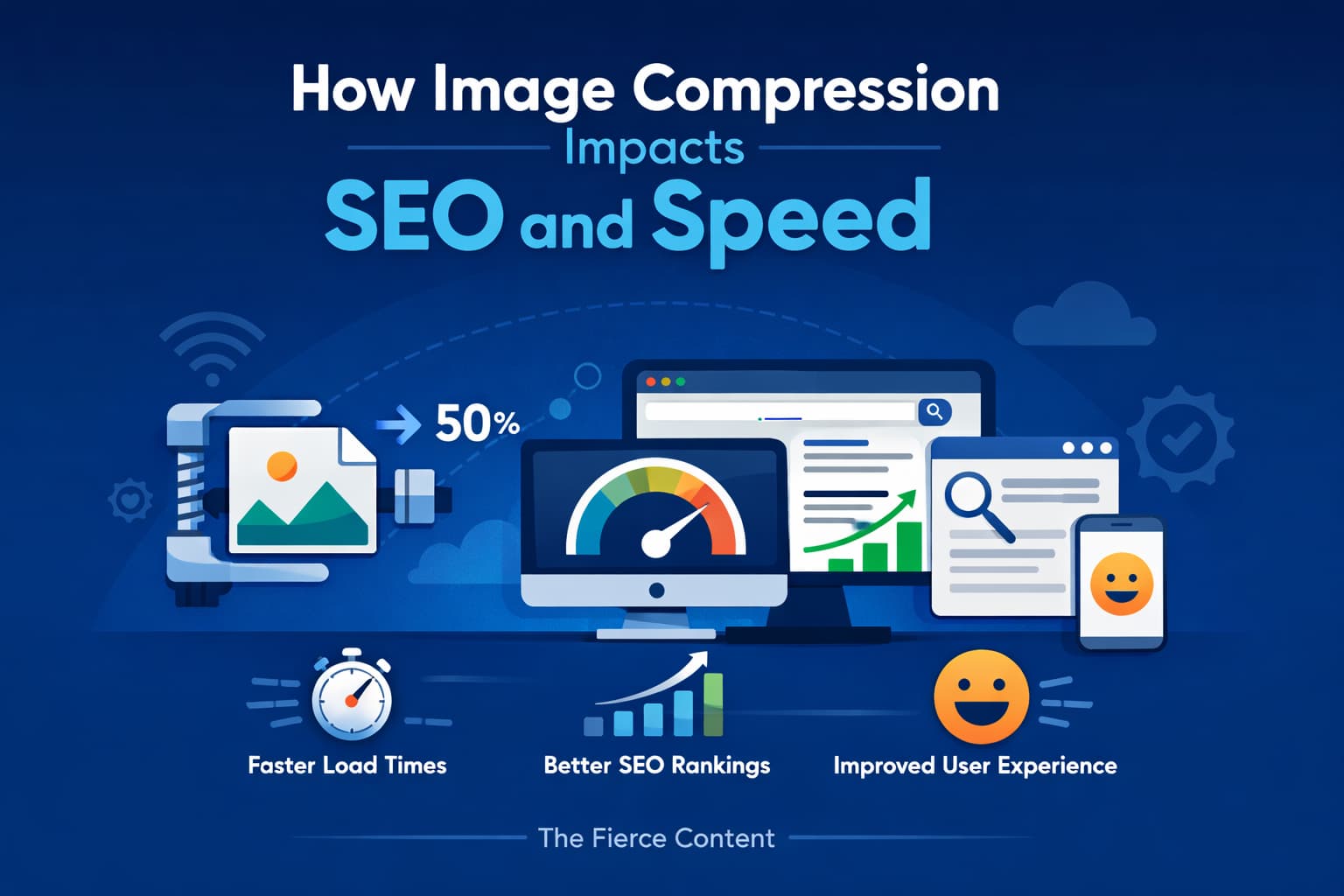
Image compression is one of the most critical yet often misunderstood aspects of website optimization.
Many website owners focus heavily on design and content but overlook how image file sizes directly affect both loading speed and SEO performance.
In reality, unoptimized images can quietly slow down your website, hurt user experience, and negatively impact your rankings on search engines like Google.
In this post, we’ll explore how image compression works, why it matters for SEO, and how you can effectively implement it without sacrificing visual quality.
By the end, you’ll understand how to strike the perfect balance between speed and aesthetics, ensuring your website performs at its best.
What Is Image Compression and Why It Matters
Image compression is the process of reducing the file size of an image by removing unnecessary data.
This makes images lighter and faster to load without significantly
affecting their visual appearance.
There are two main types of compression: lossy and lossless.
Lossy compression reduces file size by permanently removing some data, while lossless compression preserves all data but offers less reduction.
Both methods serve different purposes, but the goal is always the same: smaller files and faster loading times.
From an SEO perspective, faster websites perform better in search rankings.
Google prioritizes user experience, and page speed is a major ranking factor.
Compressed images directly contribute to improved speed, making them essential for SEO success.
How Image Compression Improves Page Speed
Page speed is one of the most important ranking signals used by search engines.
Large, uncompressed images are often the biggest contributors to slow-loading pages.
When you compress images, you reduce the amount of data that needs to be transferred from the server to the user’s browser.
This results in faster loading times, especially on mobile devices with limited bandwidth.
Faster pages improve user satisfaction, reduce bounce rates, and increase engagement.
All of these factors send positive signals to search engines, helping your content rank higher.
In a nutshell, better compression leads to better performance across the board.
How Image Compression works
From a technical point of view, image compression works by reducing file size without largely degrading visual quality.
This can be done in two main ways:
lossy compression, which removes some image data to shrink file size. And lossless compression, which preserves all data while still optimizing the file.
Formats like JPEG (lossy) and PNG (lossless) are commonly used, while newer formats such as WebP and AVIF offer even more efficient compression with excellent quality.
The reason behind image compression improving page speed comes down to efficiency.
Smaller image files mean faster download times, especially on slower internet connections or mobile networks. When images load faster, the entire page becomes interactive sooner, reducing what’s known as Time to First Byte (TTFB) and Largest Contentful Paint (LCP)—two important metrics used to measure user experience.
This involves optimizing images before they are served to users. It can be done through tools that compress images, serve appropriately sized images based on the user’s device (responsive images), and use modern formats that offer better compression.
Additionally, techniques like lazy loading, where images load only when they appear in the user’s viewport, can further enhance performance.
The benefits extend beyond speed. Faster-loading pages improve user experience, reduce bounce rates, and can even boost search engine rankings, since search engines like Google consider page speed as a ranking factor. In a nutshell image compression helps your website feel faster, more responsive, and more user-friendly.
By taking the time to properly compress and optimize images, you’re not just saving bandwidth, you’re creating a smoother, more enjoyable experience for your visitors, which ultimately supports better engagement and stronger performance across your entire site.
READ MORE>>>The Ultimate Guide to Image SEO in 2026 : How Image Compression Impacts SEO and SpeedThe Role of Compression in Core Web Vitals
Core Web Vitals are a set of performance metrics used by Google to evaluate user experience.
These include:
Largest Contentful Paint (LCP), First Input Delay (FID), and Cumulative Layout Shift (CLS).
Images often play a major role in LCP, which measures how quickly the main content of a page loads.
Large images can delay LCP, negatively impacting your scores.
By compressing images, you reduce their file size and improve LCP,
which directly contributes to better Core Web Vitals scores.
This can have a positive impact on your overall SEO performance and search rankings.
Lossy vs Lossless Compression:
Which Is Better for SEO?
Choosing between lossy and lossless compression depends on your specific needs.
Lossy compression is more aggressive and reduces file size drastically, but may slightly reduce image quality.
Lossless compression preserves image quality but results in larger file sizes.
For most websites, lossy compression is the better choice because it offers the best balance between quality and performance.
High-quality visuals are important, but slight quality reductions are usually unnoticeable to users.
However, for images that require perfect clarity, such as logos or detailed graphics, lossless compression is the better option.
The key is to use the right method for the right type of image.
How Compression Affects SEO Rankings
Search engines consider page speed and user experience when ranking websites.
Since images are a major factor in page load time, compressing them directly influences SEO.
Smaller images load faster, improving page speed and reducing bounce rates. When users stay longer and interact with your content, it sends positive signals to search engines.
Additionally, optimized images improve mobile performance, which is especially important since Google uses mobile-first indexing. Faster mobile pages lead to better rankings and increased visibility.
Common Mistakes in Image Compression
One of the most common mistakes is over-compressing images, which can lead to poor visual quality. Blurry or pixelated images can harm user experience and reduce trust in your website.
Another mistake is not compressing images at all. Many websites upload large, high- resolution images without optimization, leading to slow loading times.
Using the wrong file format is also a common issue. For example, using PNG for photographs instead of JPEG can result in unnecessarily large file sizes.
Avoid these mistakes by testing different compression levels and choosing the right format for each image.
Tools and Techniques for Effective Compression
There are many tools available to help you compress images efficiently. These tools allow you to reduce file size while maintaining acceptable quality.
Automated tools and plugins can also compress images during upload, making the process seamless. This ensures that all images on your site are optimized without requiring manual effort.
Also, modern image formats like WebP offer superior compression compared to traditional formats.
Converting images to WebP can significantly reduce file sizes and improve performance.
Compression and Mobile SEO
Mobile optimization is critical in today’s digital landscape. With more users accessing websites on mobile devices than ever before, ensuring fast loading times is essential.
Compressed images load faster on mobile networks, improving the overall user experience. This is especially important for users with slower internet connections or limited data plans.
Since Google uses mobile-first indexing, the mobile version of your website is the primary version used for ranking.
Optimized images play a key role in ensuring your mobile site performs well in search results.
Impact on User Experience and Engagement
User experience is at the heart of SEO.
Slow-loading images can frustrate users, causing them to leave your site before engaging with your content.
Compressed images improve load times, making your website feel faster and more responsive.
This leads to higher engagement, longer session durations, and better conversion rates.
A fast, smooth experience encourages users to explore more pages, interact with your content, and ultimately take action, whether that’s making a purchase, signing up, or sharing your content.
Best Practices for Image Compression
To get the most out of image compression, follow a few best practices. Always compress images before uploading them to your website. This ensures that your site only loads optimized files.
Choose the right balance between quality and file size.
Test different compression levels to find what works best for your audience.
Use modern formats like WebP when possible, as they offer better compression than older formats. Combine compression with other optimization techniques like lazy loading and responsive images for maximum performance.
Conclusion
Image compression is a powerful yet simple way to improve your website’s performance and SEO. By reducing file sizes, you can significantly enhance page speed, improve user experience, and boost your search rankings.
In a competitive online environment, even small improvements in speed can make a big difference. Compressed images not only help your website load faster but also contribute to better engagement and higher conversions.
If you haven’t already optimized your images, now is the time to start. Implement compression as part of your overall SEO strategy and watch your website perform better across all metrics.