
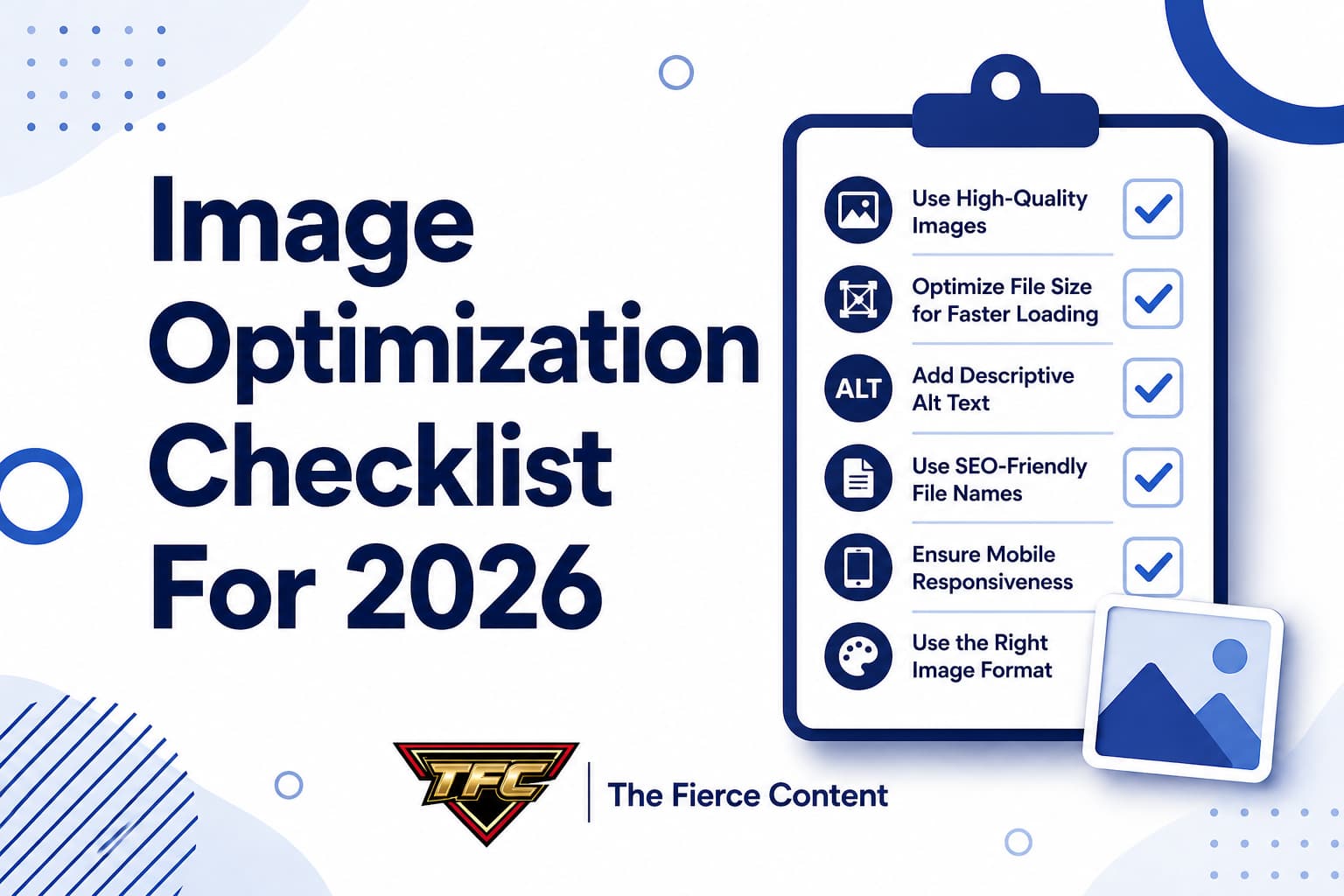
Image optimization continues to be one of the most important yet overlooked aspects of modern SEO and web performance.
As we move into 2026, websites are expected to be faster, more efficient and highly optimized for both desktop and mobile users.
With Google placing even more emphasis on Core Web Vitals and user experience, properly optimized images are no longer optional—they are essential.
This comprehensive checklist will guide you through everything you need to ensure your images are fully optimized for speed, SEO, and performance in 2026.
Whether you’re managing a blog, eCommerce store, or corporate website, this checklist will help you stay ahead of the competition and deliver a seamless user experience.
1.Choose the Right Image Format
The first step in any image optimization strategy is selecting the correct format.
In 2026, modern formats like WebP and AVIF are widely recommended due to their superior compression and quality.
JPEG remains a strong choice for photographs, while PNG is still useful for images requiring transparency.
However, formats like WebP offer a significant advantage by reducing file size without compromising visual quality.
Using the right format ensures faster loading times, improved performance and better SEO outcomes.
Always evaluate the purpose of each image before deciding on the format.
2. Compress Images Before Uploading
Image compression is critical for reducing file size and improving page speed. Large, uncompressed images are one of the biggest contributors to slow websites.
Use compression tools to reduce file size while maintaining acceptable quality. In 2026, many tools use advanced algorithms and AI-powered compression to achieve better results than ever before.
Compressed images load faster, consume less bandwidth and improve user experience. This directly impacts your SEO rankings and helps your site perform better in search results.
3. Resize Images to Proper Dimensions
Uploading oversized images is one of the most common mistakes. If your website displays images at a certain size, there is no need to upload a larger version.
Always resize images to match the exact dimensions required by your website layout. This reduces unnecessary file weight and improves loading speed.
Properly sized images ensure that users are not downloading more data than necessary, which is especially important for mobile users with limited bandwidth.
4. Use Responsive Images for Different Devices In 2026
Responsive design is more important than ever. Your website should deliver the right image size based on the user’s device.
Using techniques like srcset , you can provide multiple image versions, allowing browsers to choose the most appropriate one. This ensures mobile users receive smaller, optimized images while desktop users get higher-resolution versions.
Responsive images improve performance, reduce load times and enhance the overall user experience across all devices.
5. Implement Lazy Loading
Lazy loading is a powerful optimization technique that delays the loading of images until they are needed.
Instead of loading all images at once, only the visible images are loaded initially.
This significantly improves initial page load time and reduces unnecessary data usage. As users scroll, additional images load dynamically.
In 2026, lazy loading is widely supported by modern browsers and is considered a standard practice for improving website performance.
6. Optimize Alt Text for SEO
Alt text remains an essential part of image optimization. It helps search engines understand the content of your images and improves accessibility for users with visual impairments.
Your alt text should be descriptive, relevant and naturally include keywords where appropriate.
Avoid keyword stuffing and focus on providing clear context.
Well-optimized alt text can improve your visibility in Google Image Search and contribute to overall SEO performance.
7. Use Descriptive File Names
Image file names should be descriptive and meaningful. Instead of using generic names like IMG_1234.jpg , use names that describe the content of the image.
For example, blue-running-shoes.jpg is far more effective than a random string of numbers. This helps search engines understand your content and improves indexing.
Descriptive file names are a simple but powerful SEO strategy that many websites overlook.
8. Leverage a Content Delivery Network (CDN)
A Content Delivery Network (CDN) distributes your images across multiple servers worldwide. This ensures that users can access images from the server closest to their location.
Using a CDN reduces latency and improves loading speed, especially for international audiences. In 2026, CDNs also offer advanced image optimization features, including automatic format conversion and compression.
This makes CDNs an essential tool for modern website performance optimization.
9. Enable Browser Caching
Browser caching allows images to be stored on a user’s device after their first visit. When they return, images load instantly from their local storage instead of being downloaded again.
This significantly improves performance for repeat visitors and reduces server load.
Proper caching configuration ensures that your images remain accessible while improving overall speed.
Caching is a simple yet highly effective optimization technique that can make a big difference in user experience.
10. Use Modern Image Formats Like WebP and AVIF
Modern formats like WebP and AVIF offer superior compression compared to traditional formats. They reduce first size while maintaining high-quality visuals.
In 2026, these formats are widely supported and recommended for most websites. Using them can dramatically improve page speed and Core Web Vitals scores.
Whenever possible, convert your images to modern formats to take advantage of better performance and SEO benefits.
11. Avoid Using Too Many Images
While images enhance content, overusing them can negatively impact performance. Each image adds to page load time, so it’s important to use them strategically.
Focus on quality over quantity. Use images that add value to your content and support your message.
A clean, well-structured page with optimized images will always perform better than a cluttered page filled with unnecessary visuals.
12. Optimize Images for Mobile First indexing
With mobile- first indexing being the standard, optimizing images for mobile is critical. Your images should load quickly and display properly on smaller screens.
Use smaller file sizes, responsive images and proper scaling to ensure optimal performance on mobile devices.
Mobile users often have slower internet connections, making optimization even more important.
A mobile-optimized site improves user experience and boosts your chances of ranking higher in search results.
13. Use Structured Data for Images
Structured data helps search engines better understand your content, including images. By adding schema markup, you can provide additional context about your images.
This can improve your chances of appearing in rich results and enhance visibility in search engines.
Structured data is an advanced but highly effective SEO technique.
14. Test Your Image Performance Regularly
Optimization is not a one-time task. You should regularly test your website’s performance to identify potential issues.
Use tools like performance analyzers to check image load times, file sizes and overall page speed.
These tools provide valuable insights and recommendations for improvement.
Regular testing ensures your website remains optimized as you add new content.
15. Continuously Update
Continuously Update and Improve SEO and web performance are constantly evolving. What works today may not be the best practice tomorrow.
Stay updated with the latest trends, tools, and technologies in image optimization.
Continuously refine your strategy to ensure your website remains fast, efficient and competitive.
Key Takeaways
Image optimization in 2026 is more important than ever. With increasing competition and rising user expectations, every second of load time matters.
By following this checklist, you can ensure your images are fully optimized for performance, SEO and user experience. From choosing the right format to implementing advanced techniques like lazy loading and CDNs, every step contributes to a faster, more efficient website.
Remember, optimized images are not just about speed, they’re about creating a better experience for your users and improving your visibility in search engines.